How to Make a Handwritten Greeting Card with AI Images (GPT Image 2 Guide)
How to Make a Handwritten Greeting Card with AI Images
A good greeting card has two parts: a picture that sets the mood and a message that sounds like you. AI image generators are now very good at the first part. The second part — the words — still feels most personal when it looks handwritten.
In this guide you'll:
- Generate the card artwork with GPT Image 2 on imagesv2.ai
- Write your message in a realistic handwriting font with our text to handwriting generator
- Put them together into a finished card
It works for birthdays, thank-you notes, holidays, weddings, and Valentine's Day.
Step 1: Decide the Card Format
Before generating anything, pick a layout:
| Layout | Artwork | Message |
|---|---|---|
| Folded card | Front cover image | Inside page in handwriting |
| Flat postcard | Top half or one side | Other half in handwriting |
| Digital card | Full image | Handwritten note as a second image |
Knowing this up front tells you what aspect ratio to ask for and where to leave empty space.
Step 2: Generate the Artwork with GPT Image 2
Open the imagesv2.ai image generator and describe the cover. GPT Image 2 follows detailed prompts well and is known for clean, readable text inside images, which matters if you want a short title on the cover.
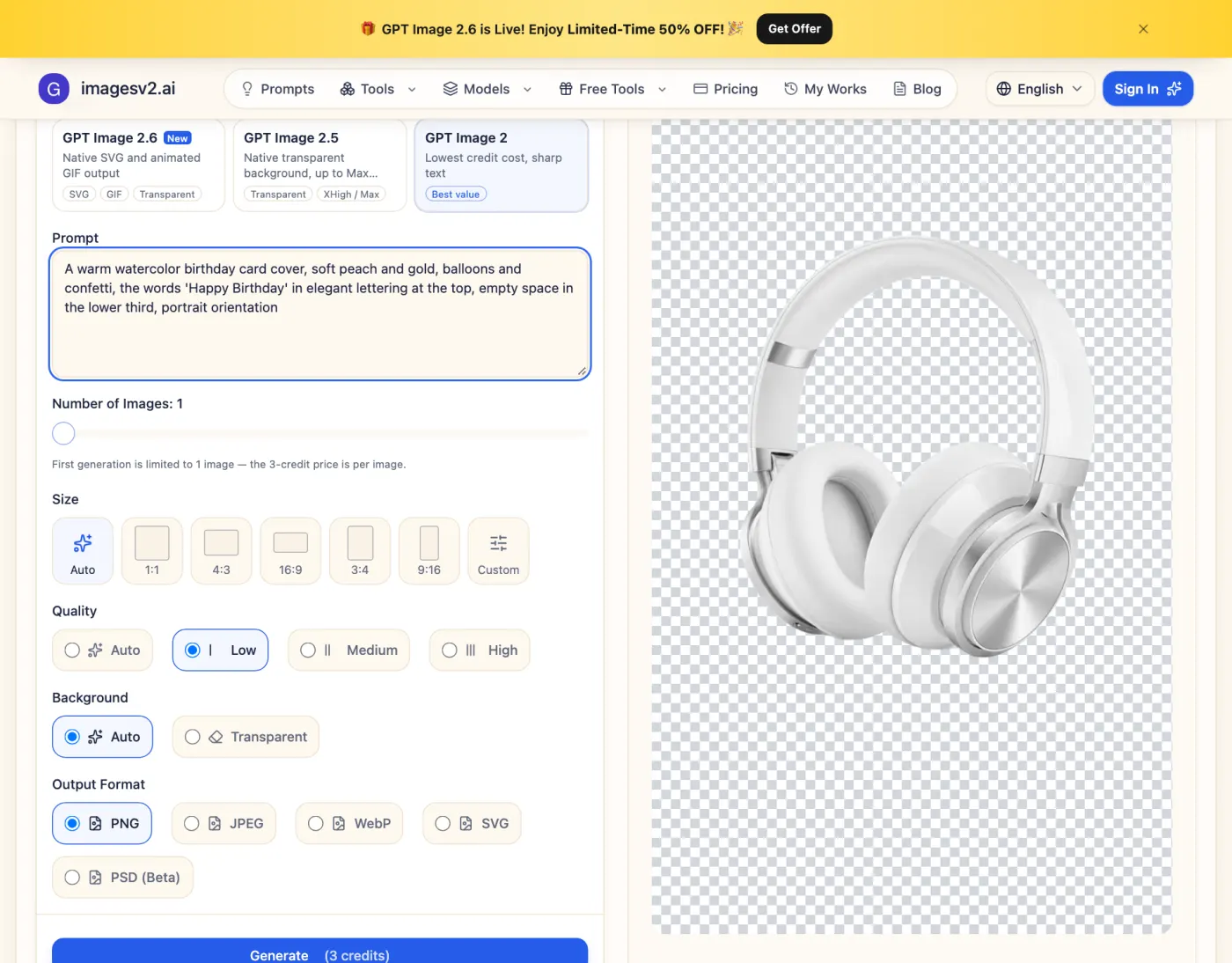
Prompt tips for card covers:
- Name the occasion and the mood: "a warm watercolor birthday card cover, soft peach and gold, balloons and confetti"
- Leave room for text: "empty space in the lower third"
- Keep any printed text short: "the words 'Happy Birthday' in elegant lettering at the top"
- State the size: portrait for folded cards, landscape for postcards
Want a decoration instead of a full background? Generate an illustration with a transparent background using the GPT Image 2 transparent background tool. A transparent flower corner or ribbon can sit on top of a handwritten page without covering the words.
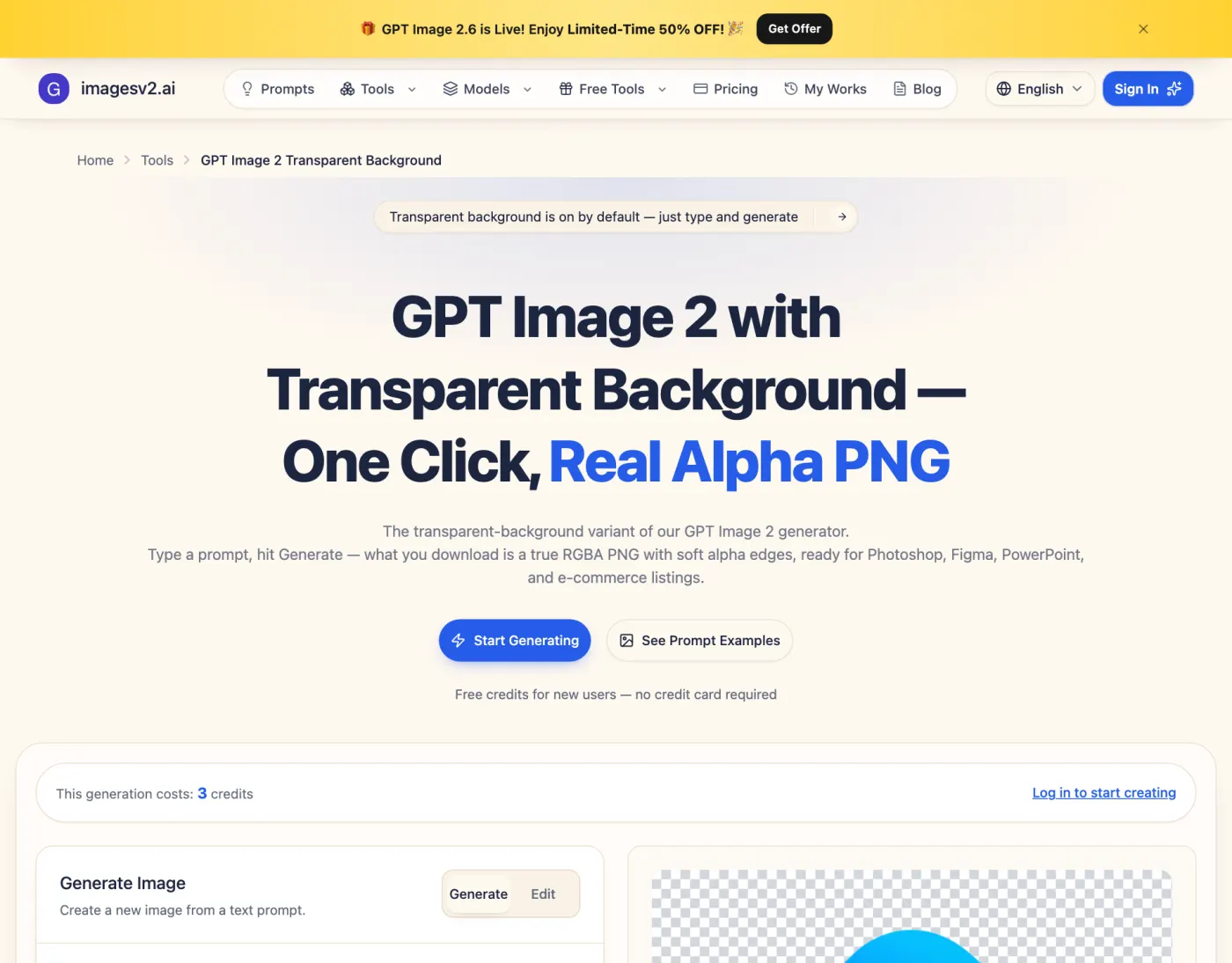
Need a poster-style design? The GPT Image 2 poster generator is a good starting point for event invitations and announcement cards.
Step 3: Write the Message in Handwriting
AI image models can draw handwriting-style lettering, but for a full message you want exact wording, consistent letters, and easy edits. That's what a dedicated handwriting generator does better.
- Write your message. Need inspiration? Our birthday letter generator, thank-you letter generator, and love letter generator come with ready-to-use templates.
- Paste it into the text to handwriting converter.
- Choose a handwriting font — flowing cursive for weddings and love notes, a friendly casual hand for birthdays and thank-yous.
- Pick a paper background: blank or card-style paper works best for the inside of a card.
- Download the image.
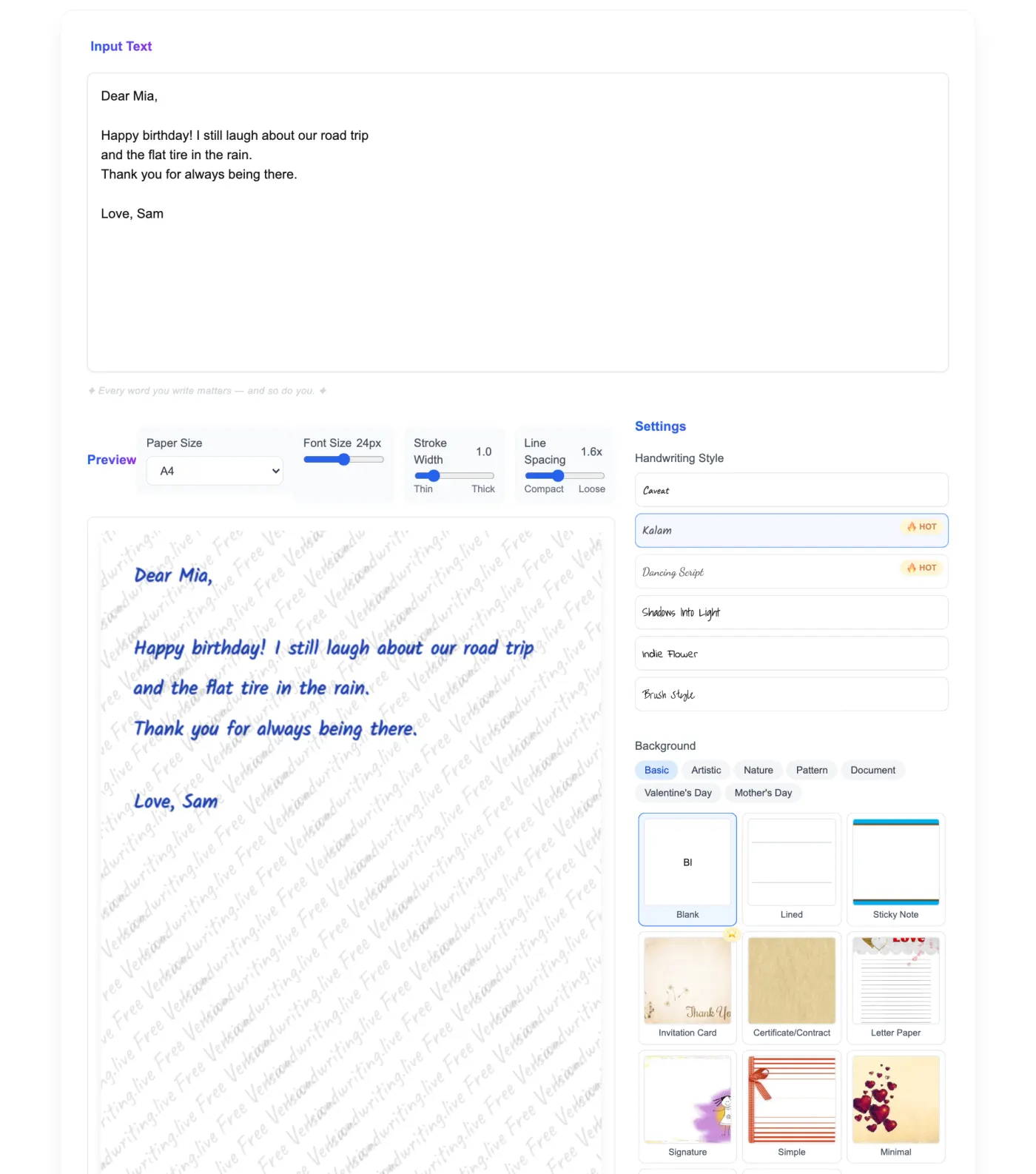
Tip: Keep the inside message to 4–8 lines. Handwritten cards feel more genuine when they're short and specific — mention one shared memory rather than a list of compliments.
Add a signature at the end with the signature generator if you want it to look signed rather than typed.
Step 4: Combine and Finish
For a printed folded card:
- Print the AI cover on the front half of a sheet of card stock.
- Print the handwritten message on the inside half (or on a separate sheet and glue it in).
- Fold, and you're done.
For a digital card:
Send the cover image first, then the handwritten message image. Two images in a row read like opening a real card.
For a single flat image:
Open both images in any editor (Canva, Keynote, even PowerPoint), place the handwritten text in the empty space you left in Step 2, and export.
Example Prompts by Occasion
- Birthday: "Hand-painted watercolor birthday card, pastel balloons and a small cake, lots of white space on the right side, portrait orientation"
- Thank you: "Minimal botanical thank-you card, single eucalyptus branch, cream background, the words 'Thank You' in fine serif at the top"
- Christmas: "Cozy Christmas card cover, snowy cabin at night with warm windows, vintage illustration style" — then write the inside with our Santa letter generator
- Valentine's Day: "Romantic red and pink card, hand-drawn hearts, soft paper texture" — and pick a message from our 36 Valentine's letter examples
FAQ
Why not let the AI write the message in the image too? For one or two words it works well. For a full paragraph you'll want to edit wording, fix typos, and keep the handwriting consistent — that's much faster in a text-to-handwriting tool.
Can I print the result? Yes. Generate the artwork at a high resolution and print both parts on card stock for the best result.
Which handwriting font looks most natural? Casual pen styles with slight variation look most "real". See how to choose a handwriting style for a quick comparison.
Start with the artwork on imagesv2.ai, then write your message in handwriting.
Siap Mencobanya?
Ubah teks Anda menjadi tulisan tangan yang indah sekarang juga. Gratis untuk memulai!
Coba Sekarang